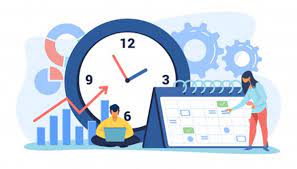
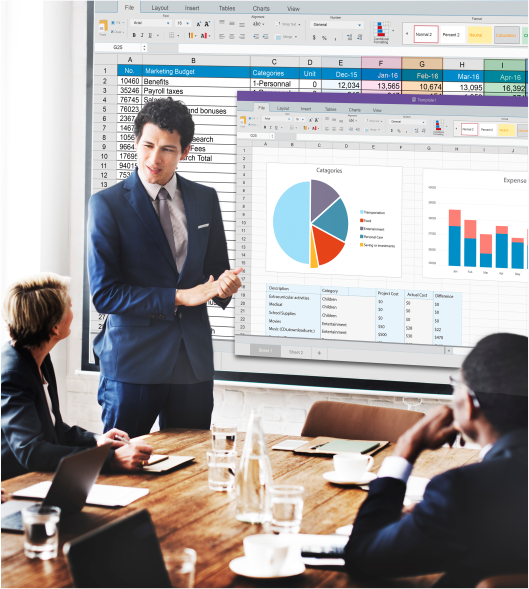
Introduction: This module is designed to make participants better Project Managers and Team Members by exposing them to an integrated approach to Project Management. It is designed to develop the basic knowledge needed to manage projects. Also effective use of MS Project in Project Management is an important part of this module.
Although this is a training course; the course is structured for application-oriented understanding of Project Management as a discipline and not for BOOKISH understanding of concepts.
Learning Objective:
Establish a common vocabulary and understanding of basic Project Management terms and concepts such as Project, Project Management, Operations, Programs, Stakeholders, Earned value, Scheduling techniques, and Project Managers responsibilities and competencies.
Describe the purpose of Initiating, Planning, Execution Controlling and Closing Projects.
Define & explain the relationship of Project Phases, Project & Product Life Cycle.
Understand the PM tools and techniques like Project Charter, Scope Statement, Work Breakdown Structure (WBS), Responsibility Matrix, Planning, Scheduling, Network Building, CPM, Bar/Gantt Chart. Brief insights to MSP mapping the various processes.
Demonstrate a clear understanding of what activities, tools, & techniques, are necessary in each phase of a project.
While discussing PM concepts, the major emphasis will be on Project Estimation, Managing Project Risks, Resource management, Project HR & Project communications.
Understand, acknowledge & appreciate importance of Project Risk Management.
Help the participants to understand oneself, understand others, manage the interface more efficiently & effectively.
With the help of role play assignments/ simulations / case studies, motivating the participants to use the principles of Project Management in their own work area.
Gain a sound understanding of the Microsoft® Project as an effective scheduling tool.
Develop easy to track project schedule in MS Project.
Track and analyse schedule progress by different methods.
Customizing MS Project and Reporting using MS Project.
Read and review the project schedule.
Schedule developing and tracking checklists will be given to the participants. The checklists are prepared considering practical situations.
Managing Multi-project i.e. a program scenario using MS Project.
Discussion on concept of Buffer Management using MS Project.
Duration
3 Days
Training Contact Hours
14 Hours
Who Should Attend?
Project Managers, Project Leaders, Project Engineers, Project Assistants, Team Members, Administrators, Senior Officials, etc involved in planning and implementation of projects from all sectors and disciplines.
Hardware and Software Requirement:
For PM Sessions: LCD and Machine to the trainer faculty. Presentation arrangements.
For online MSP sessions: At-least 15 machines. Assuming 15 participants will be present. Ideally each participant should have a separate machine. If not possible, not more than 2 people should share the machine to maintain the effectiveness of the program. LCD and a Machine to the trainer faculty. All the machines should be installed with MS Project & MS Office. Presentation arrangements.